
Why I built it
I have a bad habit of falling asleep to TV shows on my laptop. The show keeps playing, and my wife ends up turning it off for me. Now the Mac does it itself.
macOS app
Fall asleep to a film or music without leaving your Mac awake all night. Set a sleep timer or let the app watch for bedtime.
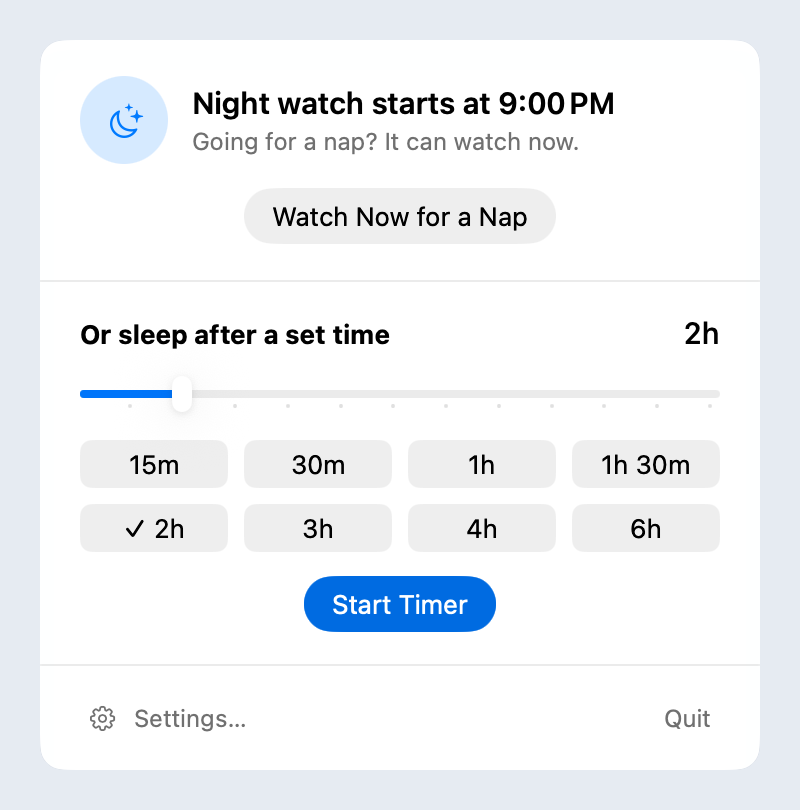
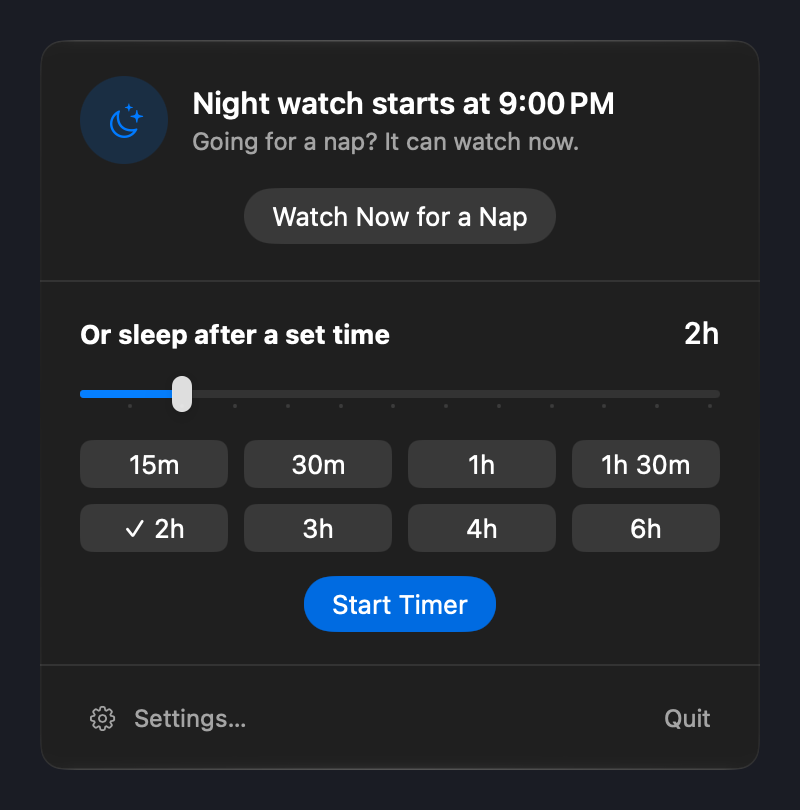
I have a bad habit of falling asleep to TV shows on my laptop. The show keeps playing, and my wife ends up turning it off for me. Now the Mac does it itself.
Choose your bedtime hours or start a watch for a nap. When a film or music keeps playing after you stop using the Mac, the app checks whether you’ve fallen asleep. Falling asleep to a podcast or white noise? Choose whether the sound stops once you’re asleep or keeps playing with the screen off.
Choose how long you want to keep watching or listening, and add more time while it runs.
Your Mac goes to sleep. In the last minute a small countdown appears on every screen, even over a full-screen film, while the volume fades out. Still awake? Touch the mouse or keyboard. A bedtime timer stops right away, and a timer you set yourself gives you another half hour.
If you enable the camera, it can help notice when your eyes are closed. The images are checked on your Mac. They are not recorded or sent anywhere. Without a camera, the app still steps in when the Mac has been left alone for a while, and after a long film it asks whether you’re still watching.
If a download or another task needs the Mac to stay awake, the app turns off the display while that work continues.