
Why I built it
I wrote the library for my own LinkedIn posts. LinkedIn labels images made with AI, and I don’t see a difference between AI and any other tool I use to make a picture. So I took the label off.
Image tool
Clean up supported AI watermarks on images you generated, right in your browser at raiw.cc. The open-source library on GitHub also handles video.
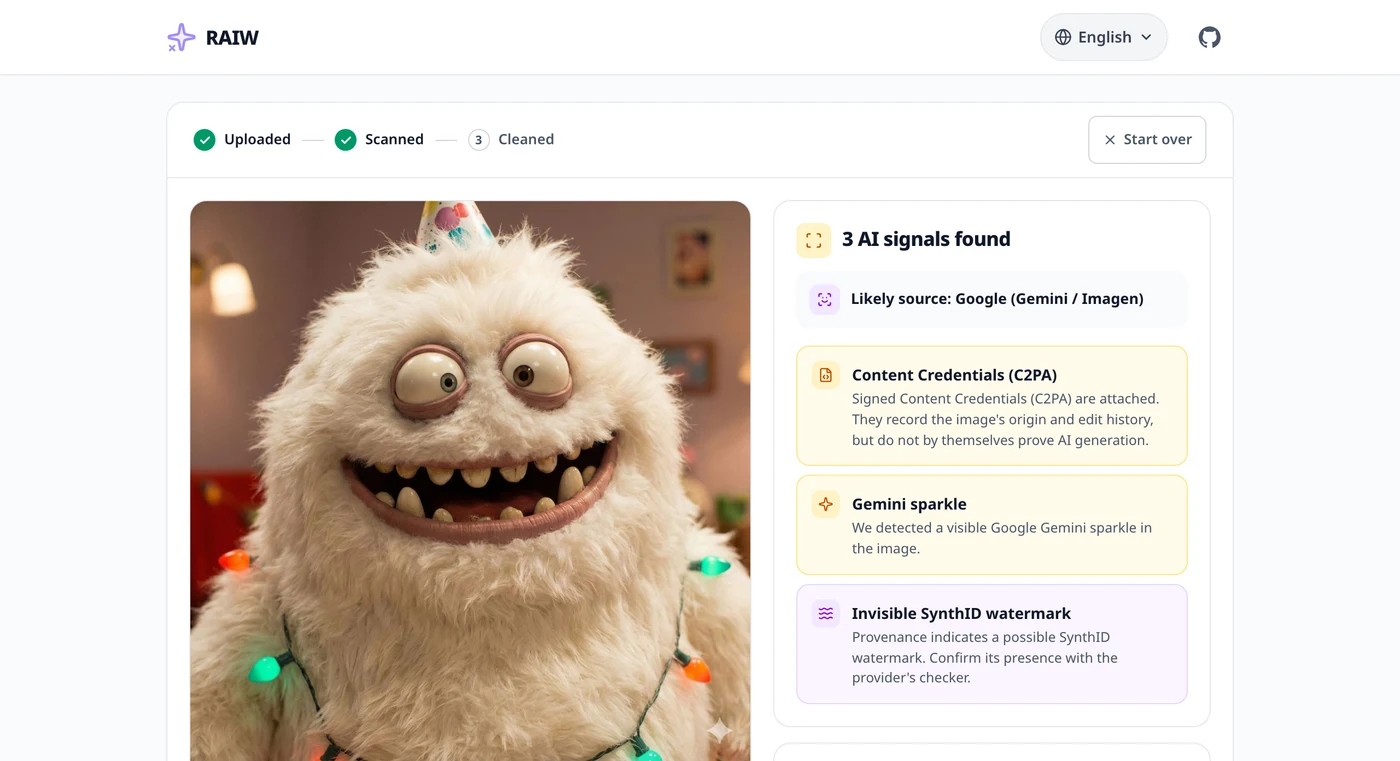
I don’t share the view that AI needs its own moderation. Whatever tool made a picture, it should be judged by the same rules.
I wrote the library for my own LinkedIn posts. LinkedIn labels images made with AI, and I don’t see a difference between AI and any other tool I use to make a picture. So I took the label off.
I never posted it on Hacker News. Someone else did, and within weeks GIGAZINE and Ledge.ai, two Japanese tech sites, wrote about it too. The repo went from a few dozen stars to about two thousand in four days.
Written about on Hacker News, GIGAZINE, Ledge.ai
The library needs Python, and hidden watermarks need a GPU. That’s fine for developers, so raiw.cc puts the same engine in a browser for everyone else. Use it on images you made or have the right to change.
Removing a visible mark and cleaning the AI metadata runs without a GPU, so on raiw.cc it’s free at standard size. Only hidden watermarks need a GPU, and that part is paid. You can also check an image first, for free, to see which AI labels and marks it carries.
It knows marks from Google Gemini, Microsoft and Chinese tools like Doubao, Jimeng, Qwen and Kling. For video, the library also knows Veo and Kling.
Right-click an image you made, and the Chrome extension cleans it without a trip to another site.